Apple Color Emoji overlay
UX
The stock emoji font is overlaid, not deleted.
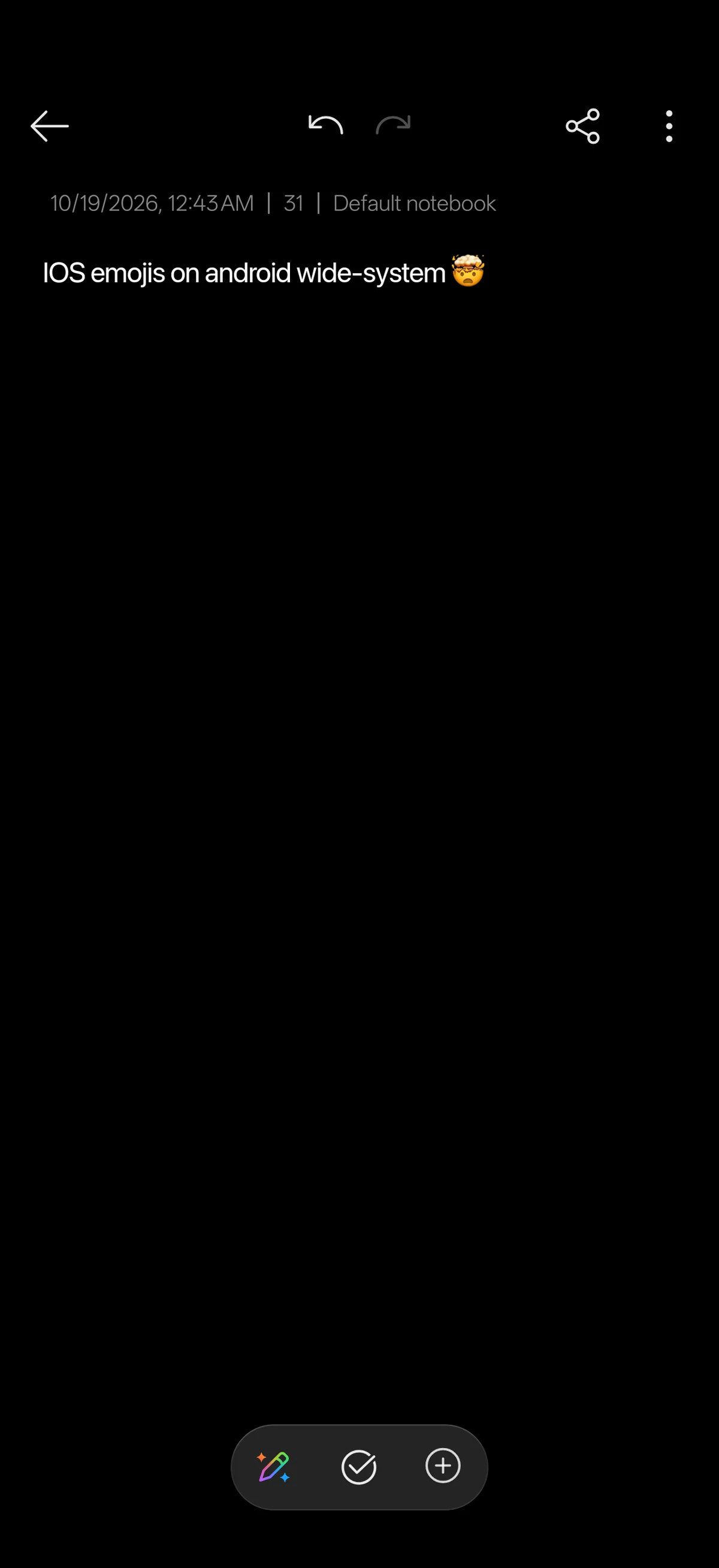
Apple Color Emoji is mounted over NotoColorEmoji through the systemless overlay, including rebuilt cmap handling for text-default emoji sequences.

A systemless font module that swaps Android system fonts and emoji for Apple iOS typefaces, with a live WebUI.
A systemless customization module for KernelSU Next and Magisk that mounts Apple iOS typefaces over the Android system fonts at boot. It replaces the Latin system font, the emoji font and the Arabic font, each independently toggleable and with a full weight axis. A live WebUI applies weight and font changes without reflashing. A boot watchdog auto-disables the module if the device does not boot within 90 seconds, and it leaves zero persistent processes after boot.
The stock emoji font is overlaid, not deleted.
Apple Color Emoji is mounted over NotoColorEmoji through the systemless overlay, including rebuilt cmap handling for text-default emoji sequences.
Toggle fonts and apply weight without reflashing.
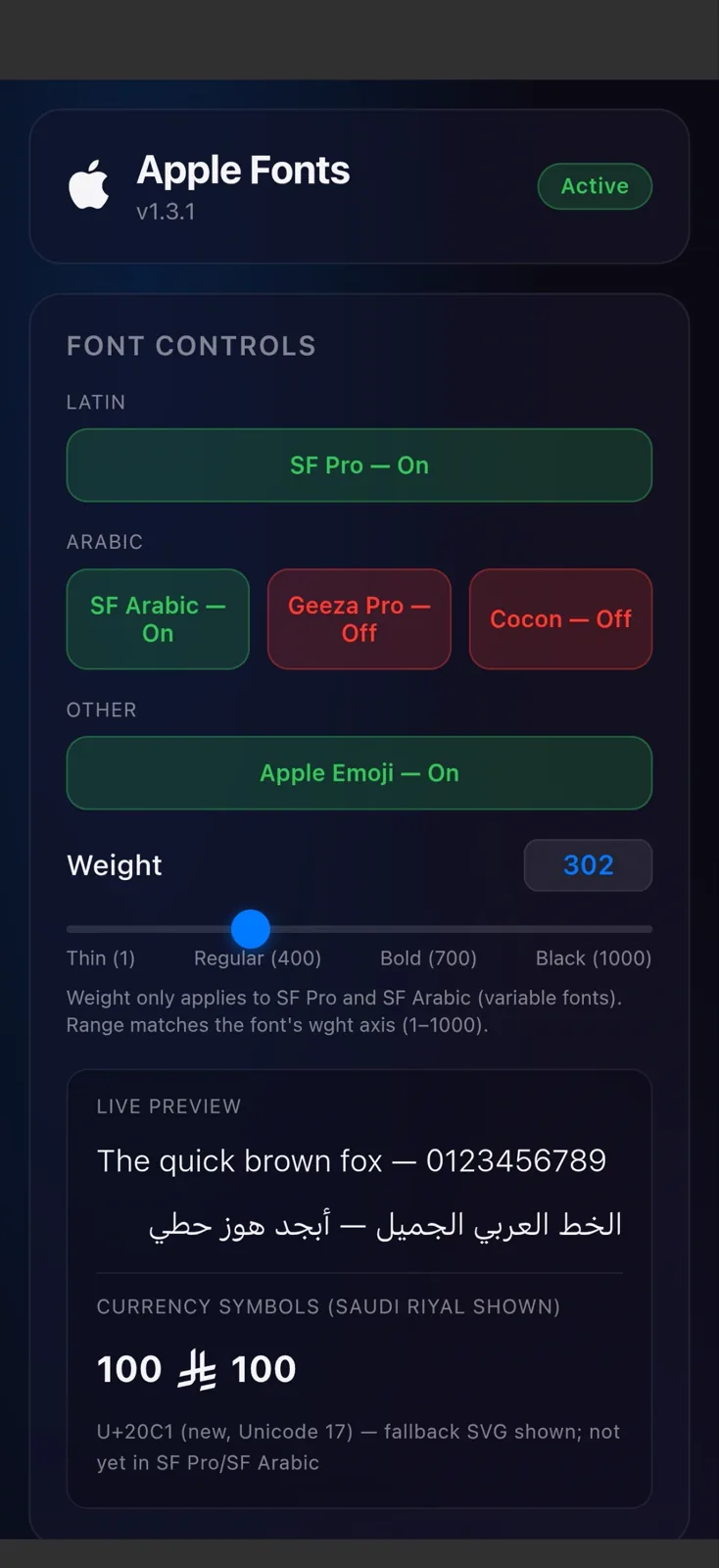
A browser-based control surface exposes per-font toggles, a weight slider from 100 to 1000, Apply to System and Reset Defaults.
A post-fs-data script runs as root before Zygote starts, selecting the requested weights and preparing the magic-mounted font files. KernelSU Next or Magisk then overlays those files onto /system/fonts, and the configuration files are rewritten to point at the chosen families. Python fonttools scripts build the patched emoji table and weight variants, while the WebUI only writes configuration for the next boot.
MODDIR=${0%/*}
[ -f "$MODDIR/disable" ] && exit 0

# KernelSU Next / Magisk magic-mount these over /system/fonts
# before Zygote starts, so no system file is overwritten.
cp -f "$MODDIR/fonts/SFPro.ttf" \
  "$MODDIR/system/fonts/Roboto-Regular.ttf"
cp -f "$MODDIR/fonts/AppleColorEmoji.ttf" \
  "$MODDIR/system/fonts/NotoColorEmoji.ttf"